
-
Are AI Use Cases Skipping Product Discovery? Reconciling Speed with Strategy in the Age of AI
Organizations today are rapidly adopting artificial intelligence (AI) by prioritizing specific “use cases” to swiftly realize business value. While this approach accelerates the integration of AI into operations, it raises a critical question: Are organizations inadvertently bypassing the traditional product management process, specifically the discovery phase, by jumping directly into… Read more ⇢
-
Culture Eats AI Strategy for Breakfast: Cheat Codes for Technology Leaders Driving AI Transformation
Peter Drucker famously warned that “Culture eats strategy for breakfast.” Today, as organizations race toward AI-driven futures, his wisdom has never been more relevant. Boards ask for AI roadmaps, pilot programs, and productivity breakthroughs, but experienced technology leaders recognize one crucial truth: Your culture, not your technology, determines your AI… Read more ⇢

-
AI Agents: Expanding or Contracting TAM?
Artificial Intelligence (AI) agents, are transforming industries and reshaping market dynamics. When evaluating AI’s strategic implications, understanding whether these agents expand or contract your Total Addressable Market (TAM) is crucial. AI Agents: Catalysts of Market Expansion AI agents are notably expanding markets by enabling businesses to reach previously underserved customer… Read more ⇢
-
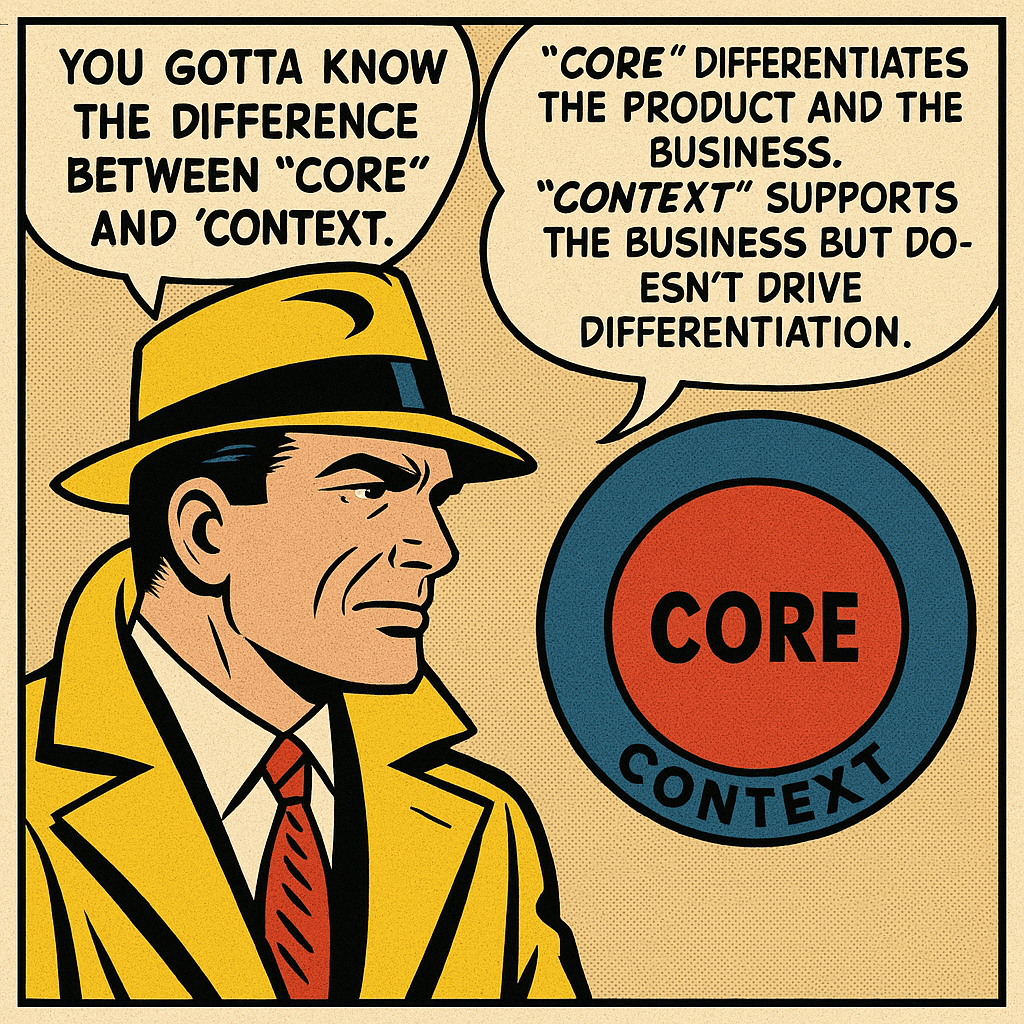
The Core vs. Context Trap: How Product Teams and Business Leaders Can Stay Focused
One of the most frequent yet overlooked mistakes in product management and business strategy is failing to clearly distinguish between “core” and “context.” This is not merely a theoretical issue but a fundamental cause of diluted focus, inefficient resource allocation, and weakened competitive positioning. Defining Core vs. Context Let’s start… Read more ⇢
-
The Role of JS in the Agent Ecosystem
“Any application that can be written in JavaScript, will eventually be written in JavaScript.” – Jeff Atwood This insight from Jeff Atwood has never felt truer, especially as we witness TypeScript and JavaScript rapidly emerging as leading languages in AI agent development—an area traditionally dominated by Python. The recent “Tiny… Read more ⇢
-
Balancing Vision and Execution in a Ship-It Culture
Who owns the Product Vision in your organization, and how clearly is it defined? How does your team align on strategy, and is execution a challenge? Perhaps you’ve solved for all these elements, or maybe the relentless pace of shipping leaves little room for reflection. In a culture dominated by… Read more ⇢
-
Fixing the HP Z Book Function Keys
The HP Z Book is a great development laptop for anyone that needs to build using the Windows stack. There is one minor annoyance, by default the function keys are not mapped to your standard F1 through F12. To fix this, press fn+ctrl+shift. The standard function key behavior will then… Read more ⇢
-
MailKit Converting a InternetAddressList to a MailAddressCollection
If you need to work with email in a .NET environment I highly recommend checking out MailKit by Jeffrey Stedfast. MailKit provides a higher level abstraction working across the different email protocols, which is a massive time saver. MailKit has its own classes for handling Email Addresses. Most notability the MailboxAddress… Read more ⇢
-
Swift Trimming Trailing Punctuation
Lately, I’ve been working on a project that requires some basic MLP text processing to be performed on device. A component of our text processing involved removing any trailing punctuation, no matter the language. I’ve found the below String Extension is a good balance between effectiveness, performance, and readability. Especially… Read more ⇢
-
Subscribe
Subscribed
Have a WordPress.com account? Log in now.

