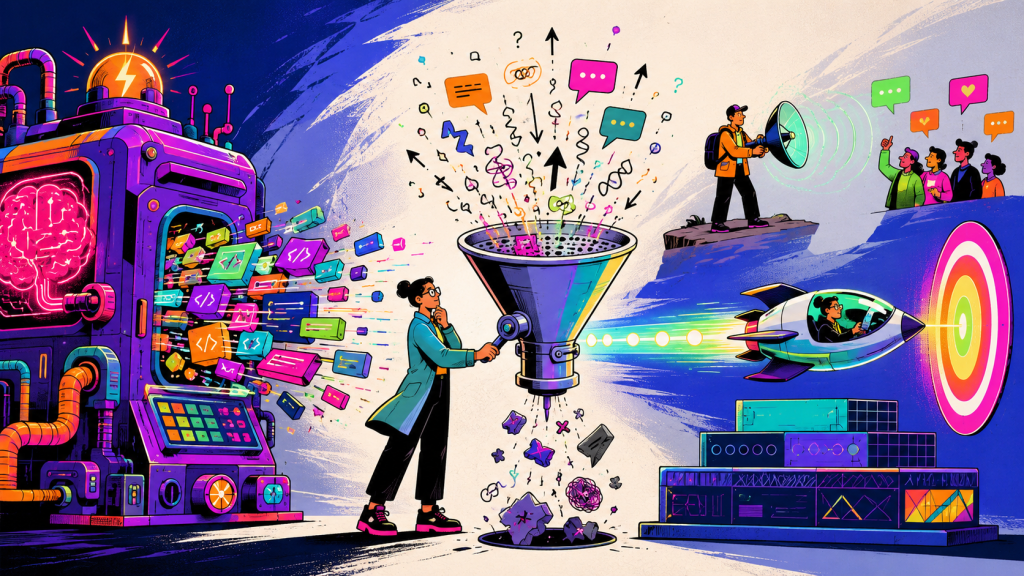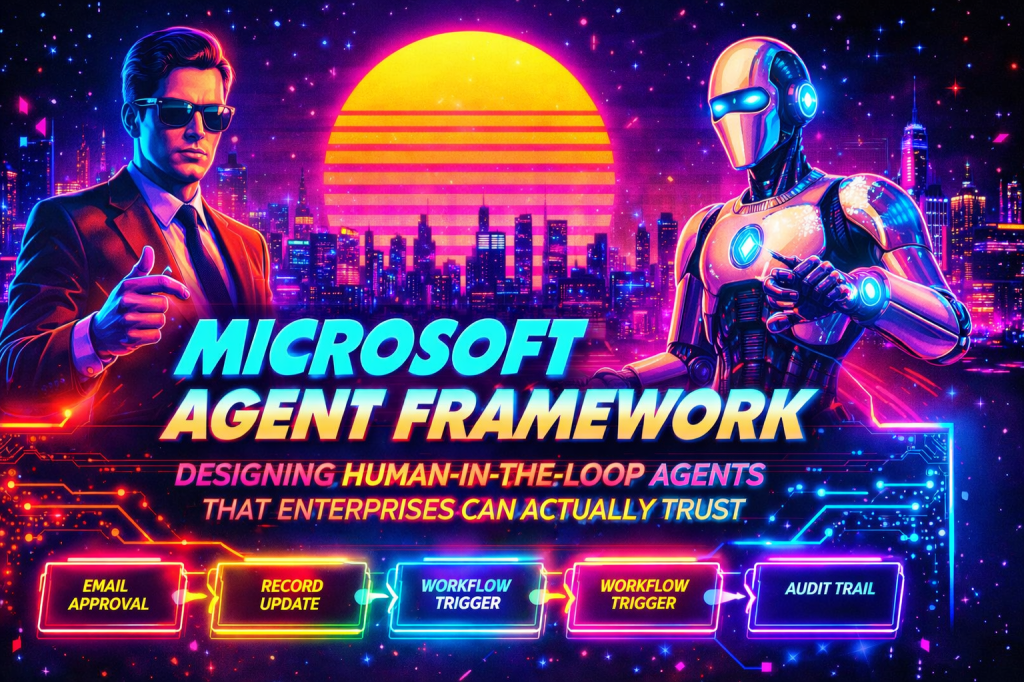
Most teams do not lose trust in agents because the model writes a weak paragraph or chooses the wrong phrasing. They lose trust when the agent crosses a line it should not cross.
It sends the email. It updates the record. It triggers the workflow. It escalates the issue. It acts. That is the real design problem in enterprise agent systems. The challenge is not intelligence in isolation. The challenge is controlled autonomy.
This is exactly why human-in-the-loop approval patterns matter. And it is also where Microsoft Agent Framework starts to become interesting as an enterprise framework rather than just another agent demo stack. Microsoft positions Agent Framework around both individual agents and graph-based workflows, with explicit support for tools, checkpointing, type-safe routing, and human-in-the-loop scenarios. That combination matters because approvals are not just a UI prompt. They are a workflow concern, a state concern, and a governance concern. (Microsoft Learn)
The point of this post is simple: if you want enterprises to trust an agent, do not start by asking how autonomous it can be. Start by deciding where it must stop.
The wrong mental model: “the agent decides everything”
A lot of agent demos still follow the same pattern. The model reasons, selects a tool, and executes the action. That is fine for low-risk tasks. It is reckless for anything that changes a customer record, contacts a user, approves a payment, creates a compliance event, or opens an escalation.
In an enterprise setting, there are really four classes of action.
First, there are fully autonomous actions. These are low-risk, reversible, and well-bounded. Think summarizing a ticket or classifying a document.
Second, there are recommended actions. The agent can propose what should happen, but a person needs to approve it. Think drafting an outbound email to a client or suggesting a case escalation.
Third, there are constrained autonomous actions. The agent can act, but only inside explicit policy boundaries. Think updating a record if confidence is high and the change is limited to non-sensitive metadata.
Fourth, there are prohibited autonomous actions. These always require human approval. Think legal signoff, compensation changes, deleting records, sending external communications with contractual implications, or triggering a regulated workflow.
That is the first mastery move. Do not treat human approval as a patch you bolt on later. Treat it as part of the action model from day one.
When should an agent decide versus recommend?
Here is the test I use. An agent should be allowed to decide when all of the following are true:
- the action is reversible
- the blast radius is small
- the policy boundary is crisp
- the confidence signal is measurable
- the cost of being wrong is low
- the outcome can be audited
If even one of those breaks down, the agent should recommend, not decide. That sounds obvious, but most weak implementations fail here. They wire approvals around the final action only. The better design is to classify every tool and every workflow transition as one of three modes:
- execute
- request approval
- deny
In practice, that means “send email” is not one tool. It is a governed capability with policy around recipient class, template type, attachment sensitivity, confidence score, and business context.
That is also where Microsoft Agent Framework’s workflow model fits well. The framework’s graph-based workflows, executors, edges, and request-response integration patterns give you a clean place to model approval as a first-class state transition instead of burying it inside a giant agent prompt. (Microsoft Learn)
The real pattern: don’t approve the agent, approve the action packet
One of the biggest mistakes in human-in-the-loop design is asking a person to approve “what the agent wants to do” in a vague way.
That is not auditable, not scalable, and not fair to the approver.
A human should approve an action packet, not a stream of model thought. The action packet should include:
- the proposed action
- the target system
- the exact payload
- the business reason
- the evidence used
- the policy that triggered approval
- the risk classification
- the time the request was created
- the actor or agent identity
- the workflow or case ID
That means the approval object becomes a business artifact, not just an interaction.
Here is a representative C# shape for that object:
public sealed record ApprovalRequest( string ApprovalId, string WorkflowId, string ActionType, string TargetSystem, string Reason, string PolicyRule, string RequestedBy, DateTimeOffset RequestedAtUtc, object Payload, IReadOnlyList<EvidenceItem> Evidence, string RiskLevel);public sealed record EvidenceItem( string Source, string Summary, string Reference);
That structure matters because it separates reasoning from execution. The model can generate a recommendation, but the system must convert it into a governed approval artifact before anything happens.
That is how you move from “smart demo” to “operational system.”
How to pause execution for approval
This is where many frameworks get awkward. They can generate an approval request, but they do not have a clean mechanism for durable pause and safe resume.
Microsoft Agent Framework is much more credible here because workflows support checkpointing and external request-response patterns, and the broader framework explicitly supports human-in-the-loop scenarios for workflows and tool approvals. (Microsoft Learn)
The pattern looks like this:
- The agent or executor determines that an action requires approval.
- Instead of calling the side-effecting tool directly, the workflow emits an approval request.
- The workflow persists state through checkpointing.
- Execution pauses.
- A human approves or rejects through a UI, queue, inbox, or operations console.
- The approval response is correlated back to the workflow instance.
- The workflow resumes from the checkpoint.
- The action executes only if the approval response is valid, current, and still policy-compliant.
This is not just a technical convenience. It is the core safety property. You do not want the approval living only in process memory or only in the chat transcript. You want it tied to durable workflow state.
Conceptually, the workflow looks like this:
[Agent evaluates task] | v[Policy executor classifies action] | +----+----+ | | execute approval required | | v v[action] [create approval request] | v [checkpoint + pause] | v [human approve / reject] | v [resume workflow] | +----+----+ | | approved rejected | | v v [action] [close / reroute]
This is exactly why I prefer workflows over trying to do all of this inside a single agent loop. Approval is a control-flow problem. Workflows are the right abstraction for control flow.
How to persist state between approval steps
This is where maturity shows.
A good human-in-the-loop system does not just persist the conversation. It persists the business state required to continue safely later.
That usually includes:
- workflow ID
- current executor
- pending approval ID
- versioned action payload
- relevant policy snapshot
- user and tenant context
- idempotency key
- expiration timestamp
- audit trail entries
Microsoft’s docs call out checkpoints as the mechanism for saving workflow state and enabling recovery and resumption for long-running processes, and the framework’s executor model supports state persistence across runs and checkpoints. (Microsoft Learn)
That means your executor should not depend on “reconstructing context from memory.” It should have explicit, serializable state.
Representative shape:
public sealed class ApprovalGateState{ public string WorkflowId { get; set; } = default!; public string? PendingApprovalId { get; set; } public string? ApprovedBy { get; set; } public DateTimeOffset? ApprovedAtUtc { get; set; } public string Status { get; set; } = "Waiting"; public string ActionHash { get; set; } = default!; public DateTimeOffset ExpiresAtUtc { get; set; } public List<string> AuditEvents { get; set; } = new();}
The important detail is ActionHash.
Why? Because when the workflow resumes, you need to verify that the thing being executed is the same thing that was approved. If the payload changed after approval, the approval should be invalidated.
That one detail is the difference between safe resume and accidental drift.
How to resume safely after a human response
Resuming is where weak implementations quietly become dangerous.
A naïve design does this:
- approval comes back
- system sees “approved”
- tool executes
That is not enough. A safe resume path should re-validate five things:
1. The approval is still current
Approvals should expire. A request approved three days later may no longer reflect the right business state.
2. The approved payload still matches
Use a hash or version number to ensure the exact action packet is unchanged.
3. The policy still allows execution
If a policy changed or the user’s permissions changed, do not blindly continue.
4. The downstream target is still in a valid state
For example, if the record was already updated by someone else, you may need to abort or re-plan.
5. The action is idempotent
If the workflow is resumed twice because of retries or duplicate events, you must not send the same email twice or create duplicate records.
That leads to a very practical design rule:
approval is necessary, but not sufficient, for execution
The workflow should interpret approval as permission to attempt the action, not a bypass of all other safeguards.
A practical enterprise example
Let’s make this concrete. Imagine an agent handling a high-priority service case. It reviews signals from a case record, recent activity, policy rules, and client-specific playbooks. It concludes that the issue should be escalated and that an email should be sent to a regional operations lead.
A weak implementation would just do it. A mature implementation would:
- classify escalation as approval-required because it changes service workflow priority
- draft the escalation note and outbound email
- create an approval packet containing rationale, evidence, and exact payloads
- checkpoint the workflow
- notify the approver in an operations console or Teams-style experience
- wait for approve, reject, or request changes
- on approval, re-check state and execute
- write the audit record
- continue the workflow
That is how enterprises actually want agents to work. Not “hands off.” Controlled, inspectable, resumable.
Tool approvals versus workflow approvals
Microsoft Agent Framework supports both tool-centric and workflow-centric patterns. The tooling docs explicitly call out tool approval for human-in-the-loop approval of tool invocations, while the workflow docs position human-in-the-loop and external request-response as workflow capabilities. (Microsoft Learn)
That gives you two useful patterns.
Tool approval
Use this when the risk is tied to a specific tool call.
Examples:
- sending an email
- deleting a file
- calling an external API that changes state
- updating a CRM record
This is precise and reusable. It is often the best first move.
Workflow approval
Use this when the decision point is bigger than one tool.
Examples:
- approving a case disposition
- authorizing a workflow branch
- allowing an exception handling path
- approving a multi-step business outcome
This is where the workflow itself pauses and waits. My advice is simple: start with tool approvals for narrow, side-effecting actions. Move to workflow approvals when you need broader business control.
Auditability and explainability are not optional add-ons
This is where a lot of AI governance talk gets too abstract. For human-in-the-loop systems, auditability means you can answer:
- what was proposed
- why it was proposed
- what evidence was used
- which policy required approval
- who approved or rejected it
- when they did it
- what happened after resume
- whether execution matched the approved payload
Explainability in this context is not “show chain of thought.” It is “show the business rationale and evidence that justified the recommendation.”
That distinction matters. Do not store hidden model reasoning as your audit strategy. Store the structured explanation that a risk team, operations lead, or auditor can actually use.
A simple audit record might look like this:
{ "workflowId": "wf_10241", "approvalId": "apr_88421", "actionType": "SendEscalationEmail", "policyRule": "ExternalCommunication.HighPriority.RequiresApproval", "requestedBy": "case-escalation-agent", "requestedAtUtc": "2026-03-26T18:15:00Z", "approvedBy": "ops.manager@company.com", "approvedAtUtc": "2026-03-26T18:19:41Z", "actionHash": "0c2b6b...", "result": "Executed", "targetSystemReference": "email-message-id-12345"}
That is the level of precision enterprises need.
The deeper point: trustworthy agents are designed like operating models
The reason this topic demonstrates mastery is that it forces you to think beyond prompts.
To build approval patterns well, you need to understand:
- orchestration design
- side-effect boundaries
- state persistence
- resume semantics
- idempotency
- policy enforcement
- audit trails
- human UX
- operational governance
That is the real work.
Microsoft Agent Framework is compelling here because it is not only about single-turn agent interactions. It combines agents, tools, middleware, session/state components, and graph-based workflows with checkpointing and human-in-the-loop support. That architecture is much closer to how enterprise agent systems need to be built. (Microsoft Learn)
And that leads to the broader lesson. The future of enterprise agents will not be defined by who gives the model the most autonomy. It will be defined by who designs the best control surfaces around that autonomy.
The winners will not build agents that always act. They will build agents that know when to stop, how to ask, what to remember, and how to continue without losing trust.
That is what enterprises can actually trust.