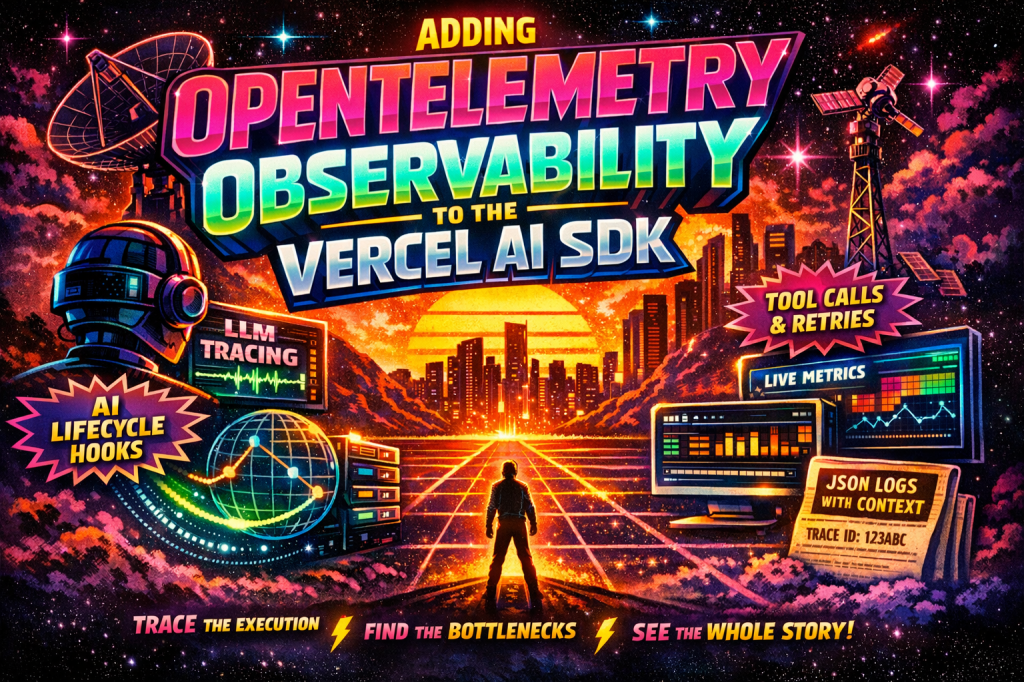
See the end-to-end OpenTelemetry implementation on GitHub
This article explains the approach. The GitHub repository shows the complete implementation, including the Vercel AI SDK telemetry integration, structured logging, and trace context correlation.
View the GitHub RepoAI features rarely fail in obvious ways.
They usually fail in ways that are annoying to diagnose. A response takes too long, but only sometimes. A tool gets called twice. A stream stops halfway through. Token usage spikes for one workflow and nobody can explain why. In development, these issues look isolated. In production, they stack up fast.
That is why observability matters so much in AI systems. Once you move beyond a single prompt and response, you are dealing with a chain of decisions, tool calls, retries, and downstream requests. If you cannot see that execution path clearly, you are left guessing.
The Vercel AI SDK gives you more than a simple model wrapper. It already exposes telemetry hooks for calls like generateText and streamText, supports integrations across the generation lifecycle, and records span data for model and tool activity. On the Vercel side, OpenTelemetry is the underlying foundation for tracing, and @vercel/otel gives you a practical way to wire that into a Next.js app.
The important design choice is this: in a JavaScript stack, I would use traces as the backbone and structured logs as the companion signal. OpenTelemetry’s JavaScript logging story is still evolving, while traces are already strong enough to give you a reliable execution map. In practice, that means instrumenting the AI SDK with telemetry and then emitting application logs that inherit the active trace context so logs and traces line up cleanly.
Step 1: Turn on OpenTelemetry in your Vercel app
Start by wiring up OpenTelemetry at the application level.
// instrumentation.tsimport { registerOTel } from '@vercel/otel';export function register() { registerOTel({ serviceName: 'ai-observability-demo', instrumentationConfig: { fetch: { propagateContextUrls: [ 'http://localhost:3000', 'https://your-internal-api.company.com', ], }, }, });}
This gives you the foundation for tracing across your app. It is also what keeps your trace intact when your Next.js route calls another internal service or API.
Step 2: Create a logger that picks up the active trace context
This is where many teams stop short. They have traces in one system and logs in another, but they cannot correlate them cleanly.
// lib/observability/logger.tsimport { trace } from '@opentelemetry/api';type LogLevel = 'info' | 'error' | 'warn';export function logEvent( level: LogLevel, event: string, data: Record<string, unknown> = {},) { const span = trace.getActiveSpan(); const ctx = span?.spanContext(); const record = { timestamp: new Date().toISOString(), level, event, traceId: ctx?.traceId, spanId: ctx?.spanId, ...data, }; console.log(JSON.stringify(record));}
This is intentionally simple. The point is not to build a logging platform from scratch. The point is to ensure every log emitted during an AI execution path carries the same trace context as the spans generated by the runtime.
Once you do that, a debugging session stops being a scavenger hunt.
Step 3: Build a Vercel AI SDK telemetry integration
Now wire your observability into the AI SDK lifecycle itself.
// lib/observability/ai-telemetry-integration.tsimport { bindTelemetryIntegration, type TelemetryIntegration,} from 'ai';import { logEvent } from './logger';class AiTelemetryLogger implements TelemetryIntegration { async onStart(event) { logEvent('info', 'ai.start', { model: event.model.modelId, }); } async onStepStart(event) { logEvent('info', 'ai.step.start', { stepNumber: event.stepNumber, }); } async onStepFinish(event) { logEvent('info', 'ai.step.finish', { stepNumber: event.stepNumber, totalTokens: event.usage?.totalTokens, inputTokens: event.usage?.inputTokens, outputTokens: event.usage?.outputTokens, finishReason: event.finishReason, }); } async onToolCallStart(event) { logEvent('info', 'ai.tool.start', { toolName: event.toolCall.toolName, toolCallId: event.toolCall.toolCallId, }); } async onToolCallFinish(event) { if (event.success) { logEvent('info', 'ai.tool.finish', { toolName: event.toolCall.toolName, durationMs: event.durationMs, }); return; } logEvent('error', 'ai.tool.error', { toolName: event.toolCall.toolName, durationMs: event.durationMs, error: String(event.error), }); } async onFinish(event) { logEvent('info', 'ai.finish', { totalTokens: event.totalUsage?.totalTokens, inputTokens: event.totalUsage?.inputTokens, outputTokens: event.totalUsage?.outputTokens, finishReason: event.finishReason, }); }}export function aiTelemetryLogger(): TelemetryIntegration { return bindTelemetryIntegration(new AiTelemetryLogger());}
This is where observability becomes useful rather than decorative.
You are no longer just writing down that a model was called. You are recording the model, each step in the generation loop, tool usage, token consumption, success and failure conditions, and overall completion state.
That is the difference between “we added logs” and “we can explain what happened.”
Step 4: Attach the integration to streamText
Once the integration exists, you can attach it directly to the AI SDK call.
// app/api/chat/route.tsimport { openai } from '@ai-sdk/openai';import { streamText } from 'ai';import { aiTelemetryLogger } from '@/lib/observability/ai-telemetry-integration';export async function POST(req: Request) { const { messages, tenantId, userId } = await req.json(); const result = streamText({ model: openai('gpt-4o'), messages, experimental_telemetry: { isEnabled: true, functionId: 'chat-route', metadata: { tenantId, userId, feature: 'support-chat', }, integrations: [aiTelemetryLogger()], }, }); return result.toUIMessageStreamResponse();}
This is an important design pattern. Use the SDK’s telemetry not just to record technical information, but also to stamp business context into the execution path. Tenant, user, route, workflow name, and feature area all matter when you are diagnosing real production issues.
Without that metadata, even good traces become harder to use.
Step 5: Add application spans where AI is only part of the story
The model call is not the whole request. In most real systems, it is only one step in a broader flow that includes retrieval, prompt construction, tool access, persistence, notifications, and sometimes retries or approvals.
That means you should add your own spans around the rest of the application flow.
// lib/observability/traced.tsimport { trace, SpanStatusCode } from '@opentelemetry/api';const tracer = trace.getTracer('app');export async function traced<T>( name: string, fn: () => Promise<T>,): Promise<T> { return tracer.startActiveSpan(name, async span => { try { const result = await fn(); span.setStatus({ code: SpanStatusCode.OK }); return result; } catch (error) { span.recordException(error as Error); span.setStatus({ code: SpanStatusCode.ERROR, message: error instanceof Error ? error.message : String(error), }); throw error; } finally { span.end(); } });}
Use this around retrieval, post-processing, database access, and external service calls. Once you do that, your AI observability stops being isolated and becomes part of the full system execution trace.
That is what you actually need in production.
What to watch once this is live
Once you have this in place, several patterns become much easier to spot.
First, compare tool latency to model latency. Teams often blame the model when the real bottleneck is a slow internal tool or API.
Second, separate step-level token usage from total token usage. In multi-step flows, the final step is rarely the full cost story.
Third, track stream interruptions intentionally. If a stream aborts halfway through, you want to see that clearly rather than treat it as a generic failure.
Fourth, make metadata part of the contract. Observability gets dramatically better when every request is tagged with meaningful business context instead of only technical identifiers.
The payoff
The real benefit here is not that you have better logs.
It is that you can finally see how an AI-powered request actually moved through your system. You can trace a single user interaction across application code, model execution, tool calls, and downstream dependencies. You can match the logs to the spans. You can explain latency. You can explain failures. You can explain cost.
That is the shift that matters.
AI applications stop feeling mysterious the moment you can observe them like real software.

 bencoding