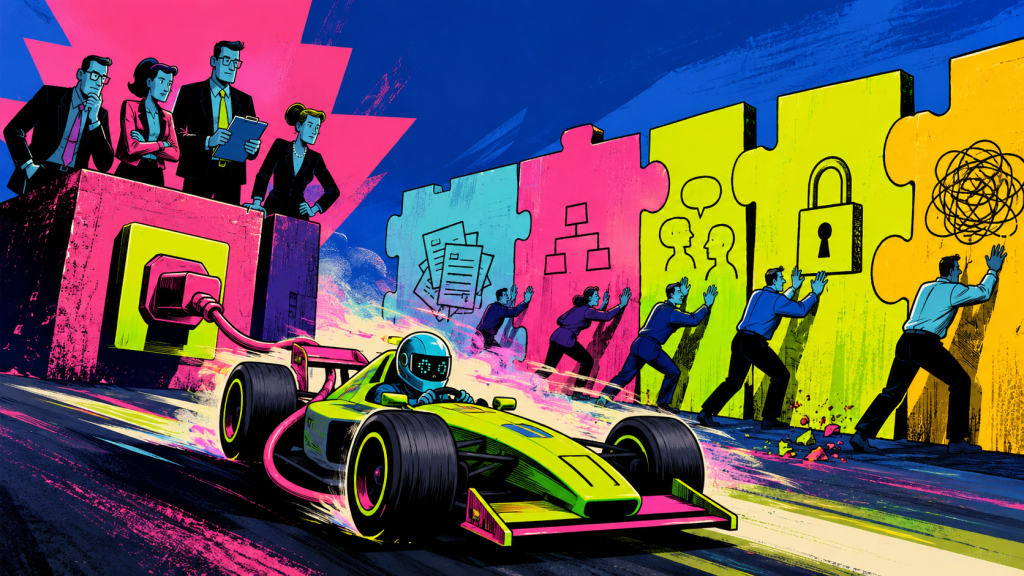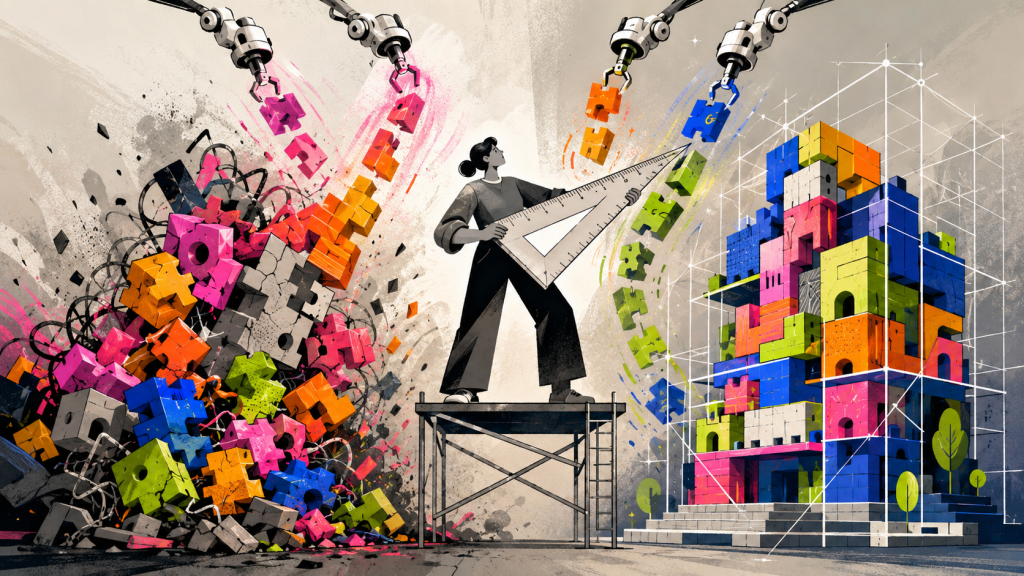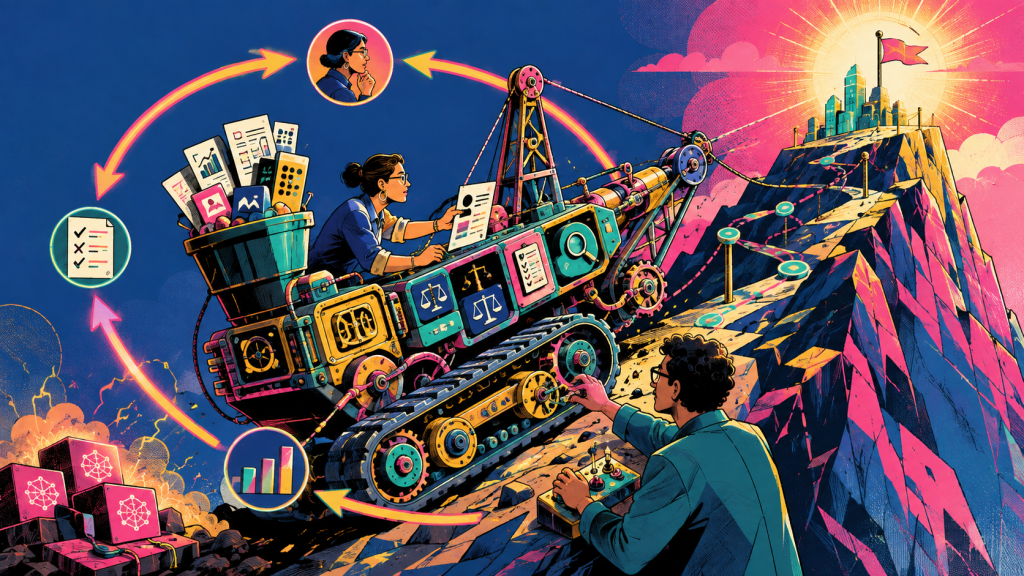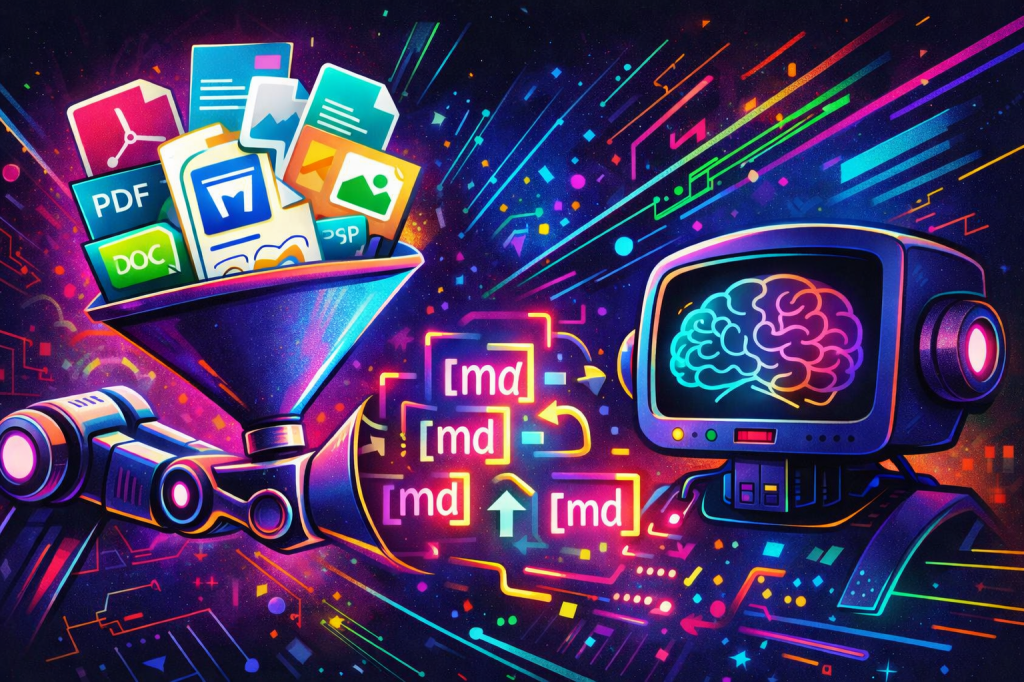
Your project might not have a retrieval problem. They have an ingestion problem.
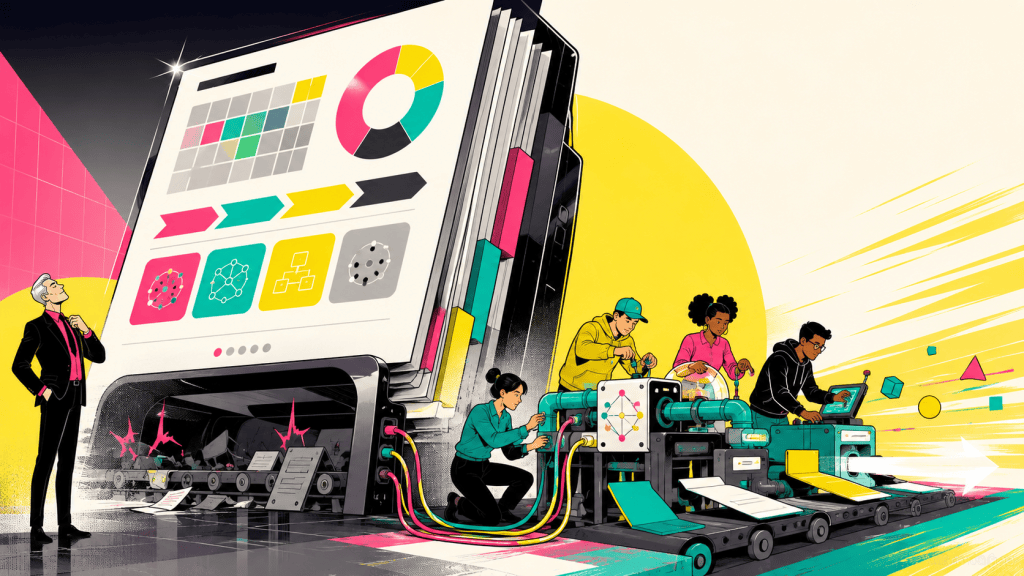
If your corpus includes PDFs, Word files, PowerPoints, spreadsheets, HTML, images, and the occasional ZIP full of mixed artifacts, the hard part is not generating embeddings. The hard part is turning all of that into a consistent intermediate representation without building a separate parser for every format. That is where Microsoft’s MarkItDown is useful. It is a Python utility built to convert many document types into Markdown for LLM and text analysis pipelines, with support for formats including PDF, Word, Excel, PowerPoint, HTML, text formats, ZIP, images, audio, YouTube URLs, and EPUBs. (GitHub)
The right way to think about MarkItDown is not as your RAG system. It is your normalization layer. It sits between raw documents and the rest of the retrieval pipeline, producing Markdown that preserves useful structure such as headings, lists, links, and tables. Microsoft explicitly positions it as lightweight and LLM-oriented rather than a high-fidelity document renderer for human consumption.
Why MarkItDown fits RAG pipelines
Markdown is a pragmatic intermediate format for advanced RAG systems because it preserves enough structure to drive better chunking while staying close to plain text. The MarkItDown project calls out exactly that tradeoff: Markdown is easy for LLMs to consume, often token-efficient, and good at representing headings, lists, tables, and links without dragging a full document object model into the rest of your pipeline.
That matters in practice. If a .docx, .pptx, and .pdf all become roughly the same structural representation, you can standardize downstream logic for chunking, metadata extraction, enrichment, embeddings, and indexing. Instead of writing format-specific retrieval logic, you write one set of ingestion rules against Markdown plus source metadata.
The reference architecture
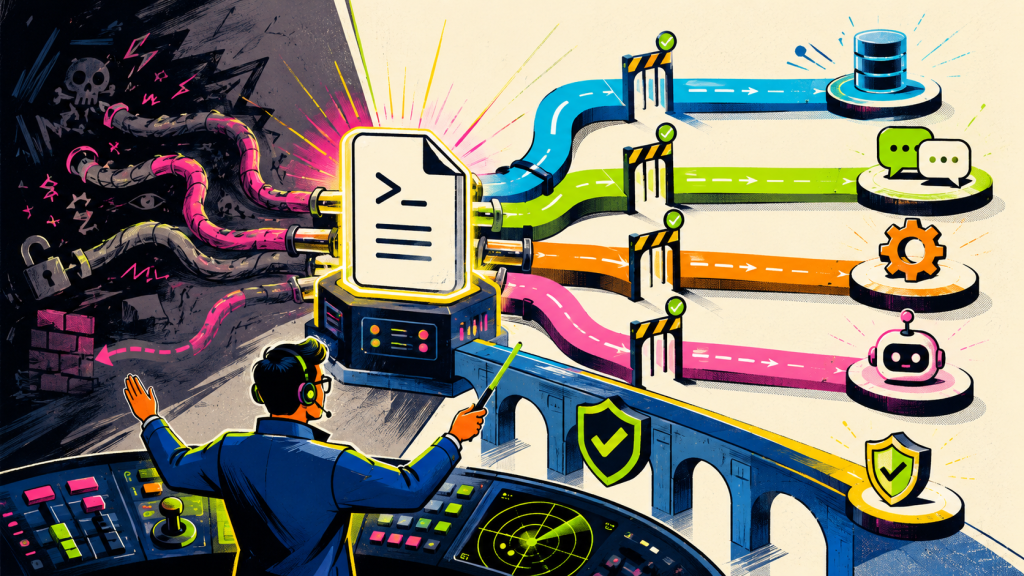
A clean production architecture uses MarkItDown as the first-pass converter, then routes the normalized Markdown into chunking and indexing services.
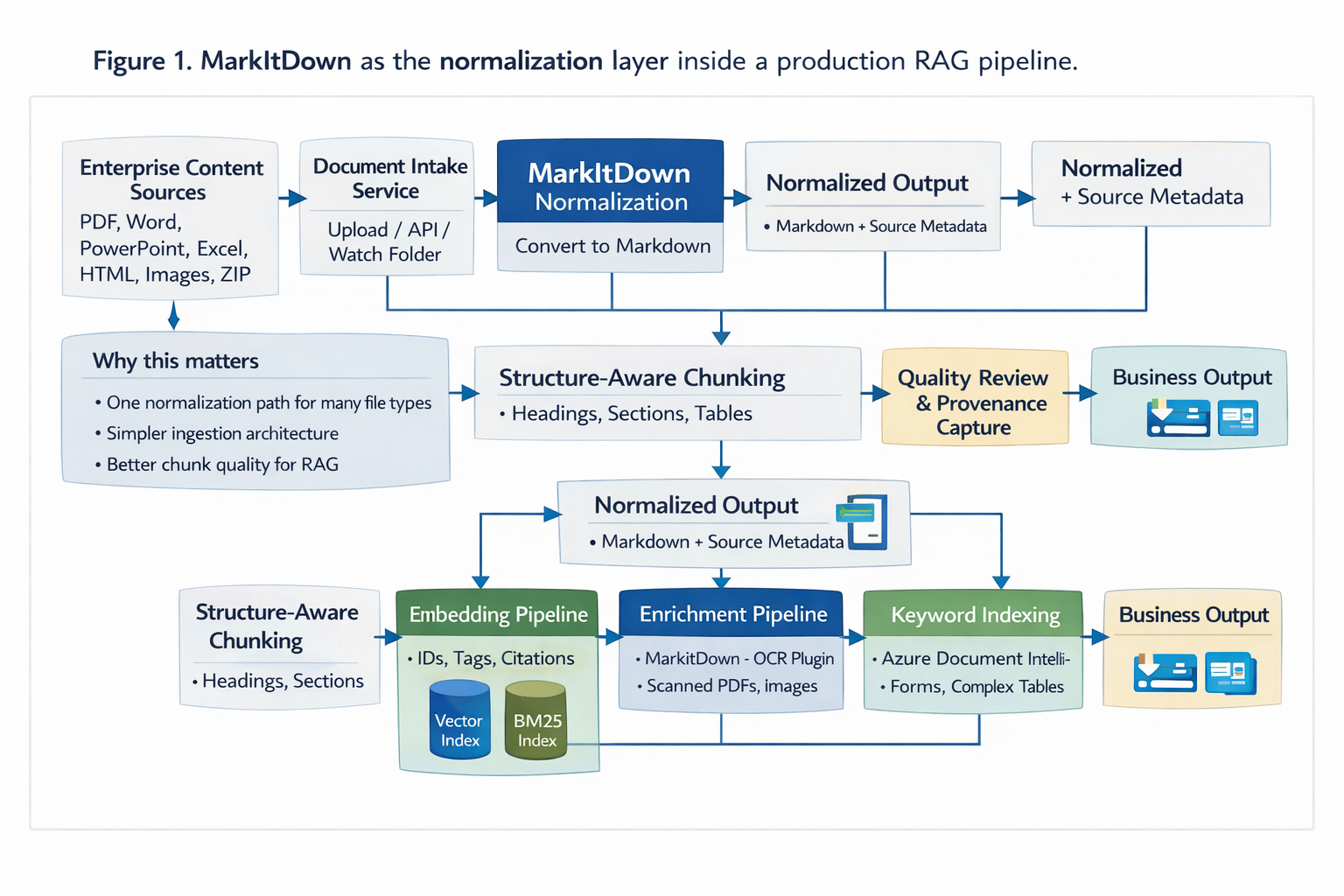
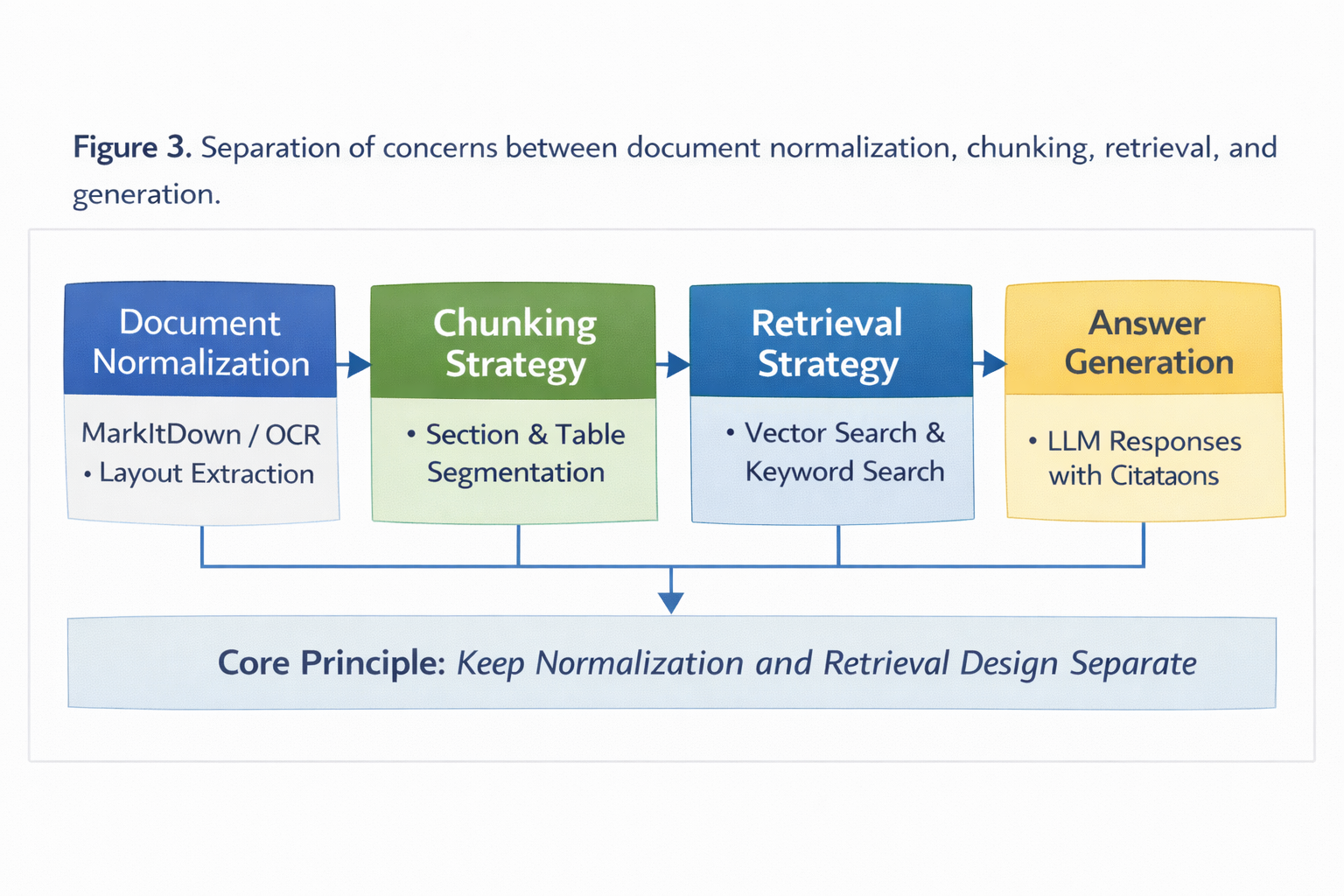
The architectural point is simple: MarkItDown should produce a stable textual representation, but chunking and retrieval should remain separate concerns. Do not let the parser decide your retrieval strategy.
A better production pattern: route by document complexity
The advanced pattern is not “run every file through the same converter.” It is “normalize through one interface, but route difficult files to stronger extraction paths.”
MarkItDown already supports optional dependencies, plugins, and an Azure Document Intelligence path. Its OCR plugin can use an OpenAI-compatible client for image-based extraction in supported converters, and the project also exposes a Document Intelligence integration for cases where layout matters more. Azure Document Intelligence’s layout model can emit Markdown that preserves paragraphs, headings, tables, figures, page breaks, and more, which makes it a strong fallback for scanned documents and layout-heavy files.
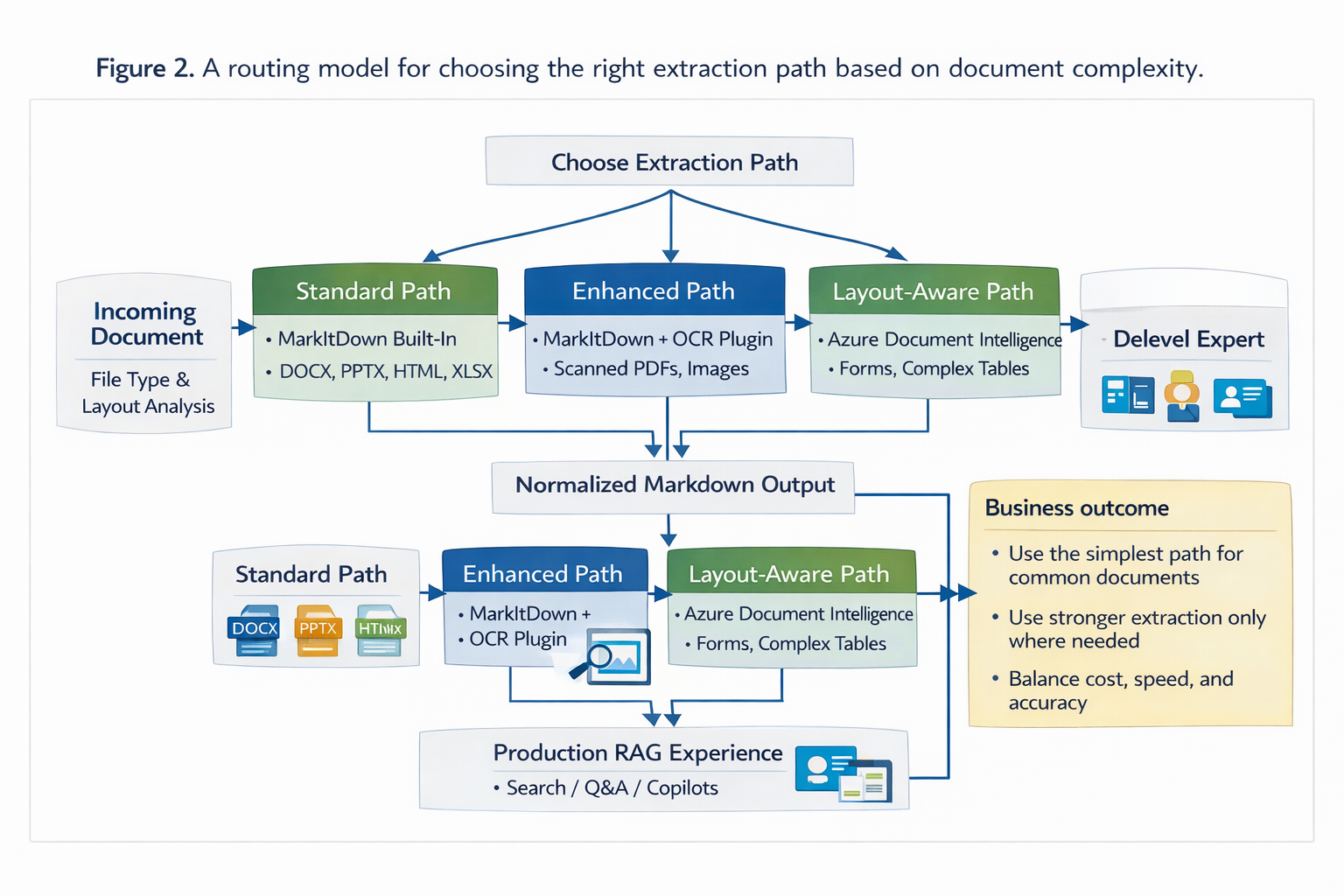
This is the pattern I would use in production. Keep a single ingestion contract, but allow multiple extraction engines behind it.
Minimal implementation shape
At the code level, the core path is straightforward. MarkItDown’s Python API returns result.text_content, which gives you the normalized Markdown content to pass into your own chunking and indexing pipeline. The project also supports a Document Intelligence endpoint for PDF conversion and LLM-backed image descriptions for supported scenarios.
import osfrom pathlib import Pathfrom markitdown import MarkItDownmd = MarkItDown( enable_plugins=False, # Optional: # docintel_endpoint=os.getenv("DOCINTEL_ENDPOINT"), # llm_client=client, # llm_model="gpt-4o",)def normalize_document(path: Path) -> dict: result = md.convert(str(path)) markdown = result.text_content return { "source_name": path.name, "source_type": path.suffix.lower(), "markdown": markdown, }def chunk_markdown(doc: dict) -> list[dict]: text = doc["markdown"] # Replace this with a real heading-aware splitter. chunk_size = 1800 overlap = 200 chunks = [] start = 0 while start < len(text): end = min(len(text), start + chunk_size) chunks.append({ "text": text[start:end], "source_name": doc["source_name"], "source_type": doc["source_type"], "offset_start": start, "offset_end": end, }) start = max(end - overlap, end) return chunks
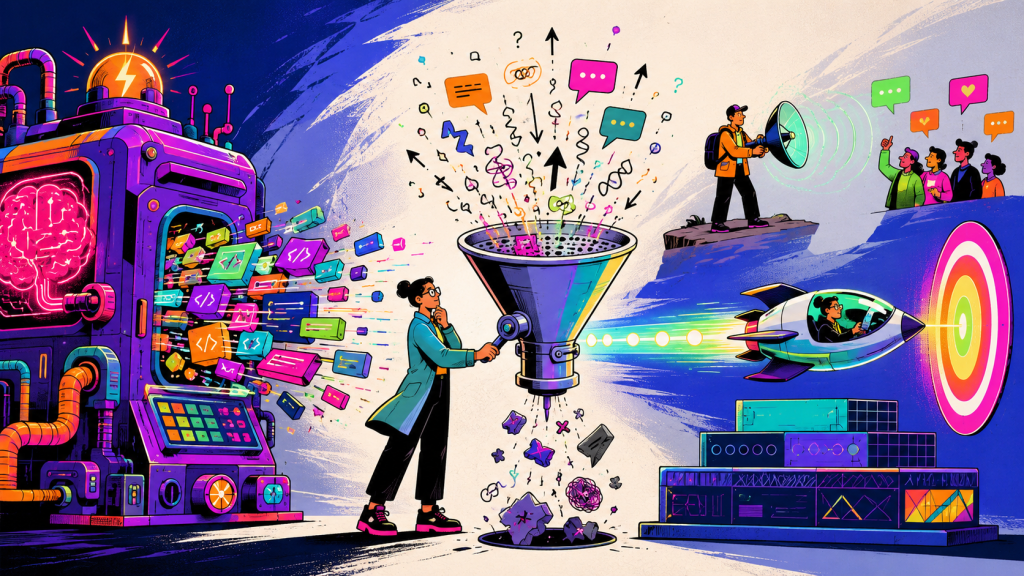
For advanced users, the main lesson is this: the conversion step is not where you win retrieval quality. You win retrieval quality by preserving enough structure during conversion so your chunker can make better decisions later.
The technical advantages
The biggest advantage is interface consolidation. MarkItDown lets you normalize many file types through one tool instead of maintaining separate parsers and post-processors for each format. That reduces ingestion sprawl and gives you a single place to apply quality controls.
The second advantage is structural preservation without excessive complexity. Markdown is expressive enough for section boundaries, nested lists, links, and many tables, which is usually enough to outperform raw text extraction in RAG pipelines where chunk boundaries matter. Microsoft’s own positioning of both MarkItDown and Azure Document Intelligence’s Markdown output aligns with this exact use case.
The third advantage is deployment flexibility. MarkItDown now uses file-like streams for converter interfaces and no longer creates temporary files in that lower-level converter path. That is a meaningful detail for service-based ingestion, worker pools, and serverless workloads where filesystem assumptions become operational debt.
The fourth advantage is extensibility. Optional dependency groups let you keep the install footprint narrow, while plugins are available when you need specialized behavior. Plugins are disabled by default, which is a sensible operational stance for deterministic ingestion pipelines.
The technical limitations
The first limitation is fidelity. MarkItDown is not trying to be pixel-perfect. That is fine for retrieval, but it becomes a problem when page geometry, exact cell positions, or visual layout are essential to meaning. If your downstream task depends on coordinates, signatures, stamps, sidebars, or form regions, Markdown alone is not enough.
The second limitation is uneven extraction quality across document classes. A clean Word document and a scanned financial statement are not equivalent problems. Treating them as equivalent is how ingestion pipelines quietly fail. Complex tables, embedded images, and bad scans will force you into OCR or a layout-aware fallback such as Azure Document Intelligence.
The third limitation is that Markdown can hide retrieval mistakes if you chunk it naïvely. If you split in the middle of a table, list hierarchy, or section heading, you preserve syntax but lose semantics. MarkItDown helps you retain structure, but it does not solve chunking strategy for you.
The fourth limitation is security and isolation. Any system that ingests arbitrary files should be treated as untrusted input. That is not a MarkItDown flaw. It is a pipeline design requirement. Run converters in isolated workers, scan uploads, enforce type and size limits, and store provenance aggressively.
When I would use it
I would use MarkItDown when I need a fast, developer-friendly normalization layer for heterogeneous enterprise content, especially when most documents are born-digital and the retrieval system benefits from heading-aware chunking.
I would also use it when I want to standardize ingestion before experimenting with retrieval strategies. One of the easiest ways to slow down a RAG project is to bind parsing, chunking, metadata extraction, and indexing into a single code path too early.
When I would not use it as the primary path
I would not use MarkItDown alone for highly scanned corpora, documents where figure and table fidelity are central to the answer, or compliance workflows where page-level traceability and spatial grounding are non-negotiable. In those cases, I would still keep MarkItDown in the architecture, but only as one option behind a routing layer.
The practical recommendation
For advanced teams, the best design is a hybrid ingestion pipeline:
- Use MarkItDown as the default normalization path for common office and web documents.
- Route scanned, image-heavy, or layout-critical files to OCR or Azure Document Intelligence.
- Store both the normalized Markdown and the extraction provenance.
- Chunk on structure, not just token count.
- Keep parser choice independent from retriever choice.
That gives you a system that is simple where it should be simple and specialized where it actually matters.
MarkItDown is a strong option for turning document chaos into a usable RAG corpus. The mistake would be expecting it to be the whole ingestion strategy. The better move is to treat it as the normalization backbone of a broader document understanding pipeline.